
| Quick Answer The best study gadgets for students include noise-cancelling headphones, smart pens, digital tablets, blue light glasses, adjustable desk lamps, smart projectors, and digital voice recorders. These tools improve focus, reduce distractions, and support different learning styles — visual, auditory, and kinesthetic. |
In today’s hyper-digital learning environment, success isn’t just about studying harder — it’s about studying smarter. The right study gadgets can significantly enhance focus, memory retention, organization, and productivity.
This guide covers the most effective study gadgets for students in 2026, explains the science behind why they work, and helps you choose the right tools based on your learning style and academic needs.
What Are Study Gadgets and Why Do Students Need Them?
Study gadgets are technology-driven tools designed to improve a student’s ability to learn, organize, and retain information. As education shifts toward hybrid and digital models, these tools have become essential — not optional.
Key benefits of using study gadgets include:
- Improved cognitive focus and reduced distraction
- Support for multiple learning styles (visual, auditory, kinesthetic)
- Faster note organization and retrieval
- Better physical comfort during long study sessions
11 Best Study Gadgets for Students (Reviewed)
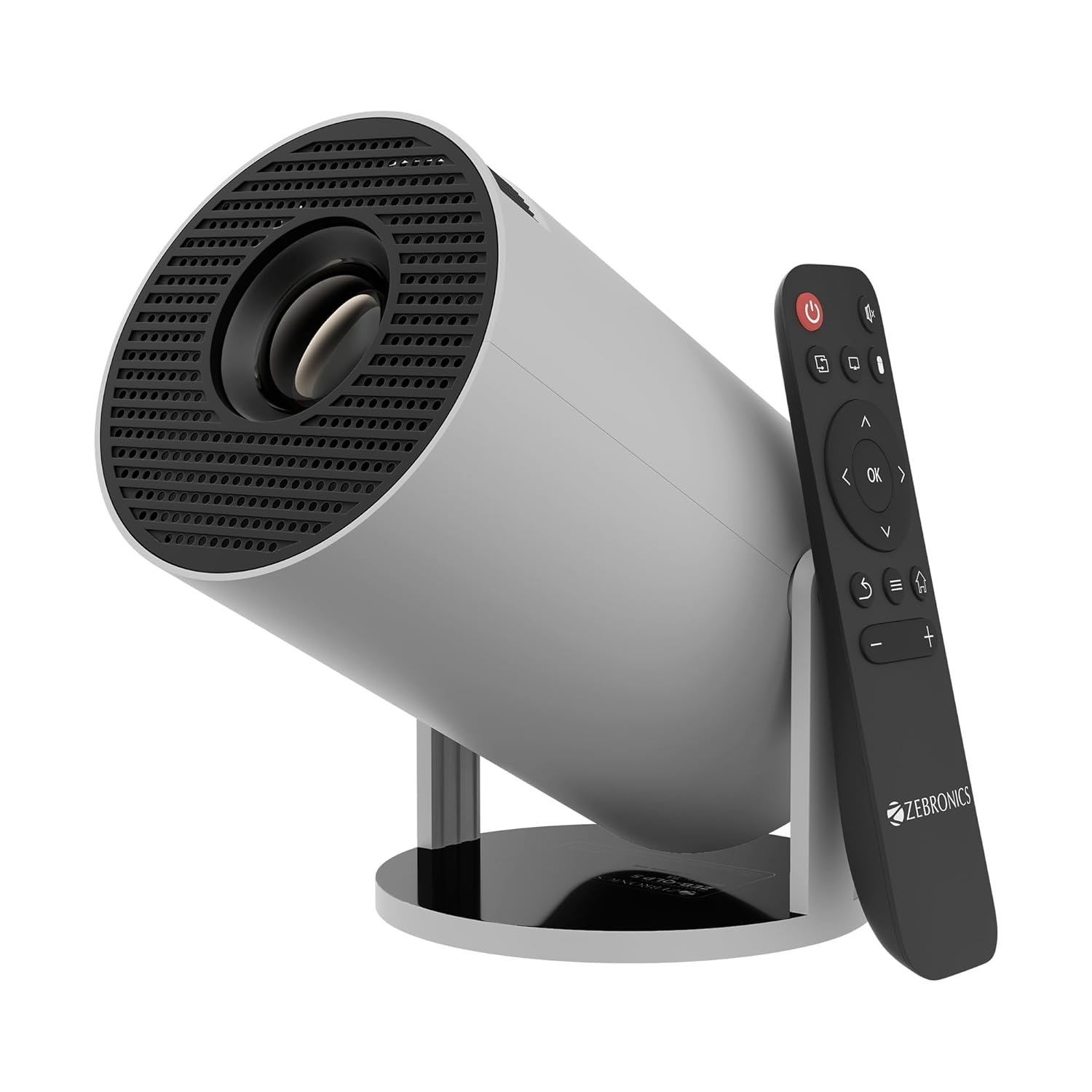
Smart Projectors — Best for Visual Learners
What it does: A smart projector displays content on a large surface, turning any wall into an interactive learning screen.
Why students need it: Many academic subjects — science, engineering, architecture, and design — rely on visual understanding rather than text memorization. Displaying diagrams, process flows, and concept maps on a large screen improves engagement and speeds up comprehension.
- Why it works: Visual information is processed significantly faster by the brain than text-based content
- Best use cases: Group study sessions, presentation practice, concept mapping
- Pro tip: Look for a projector with high lumen output (2,000+ lumens) for clear daytime visibility
▶ Ideal for: Science, engineering, design, and any subject where spatial or visual understanding matters.

Noise-Cancelling Headphones — Best for Deep Focus
What it does: Active noise-cancellation (ANC) headphones block ambient sound using microphone-driven counter-frequencies.
Why students need it: Background noise triggers cognitive overload, breaking concentration and reducing comprehension. Noise-cancelling headphones create a controlled acoustic environment that allows sustained deep work — especially important in shared spaces like libraries, dorms, or cafés.
- Why it works: Eliminates environmental distractions that fragment attention
- Best use cases: Pair with focus music, white noise, or binaural beats for enhanced concentration
- Pro tip: Use transparency mode when you still need situational awareness
▶ Ideal for: Students studying in noisy environments or preparing for high-stakes exams.
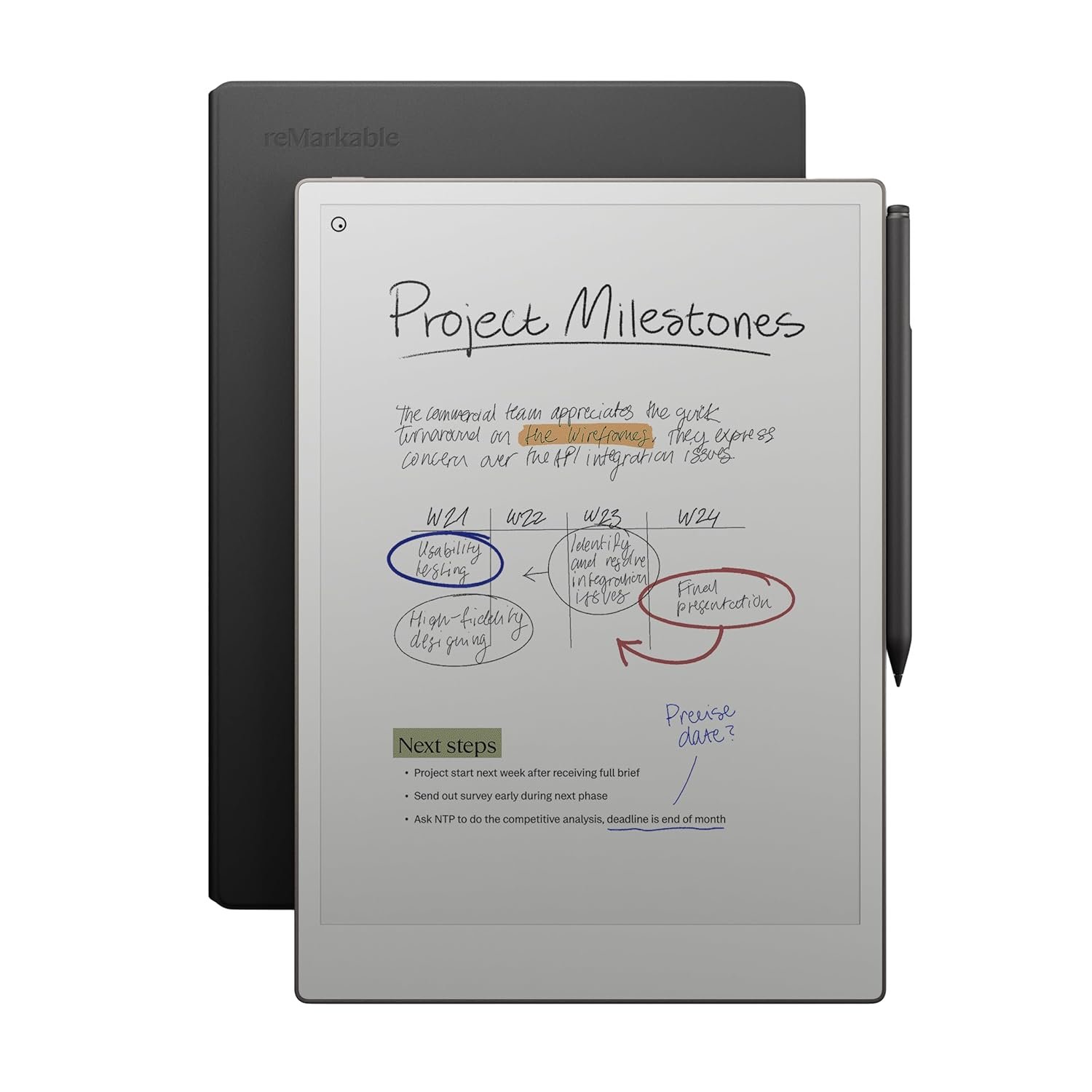
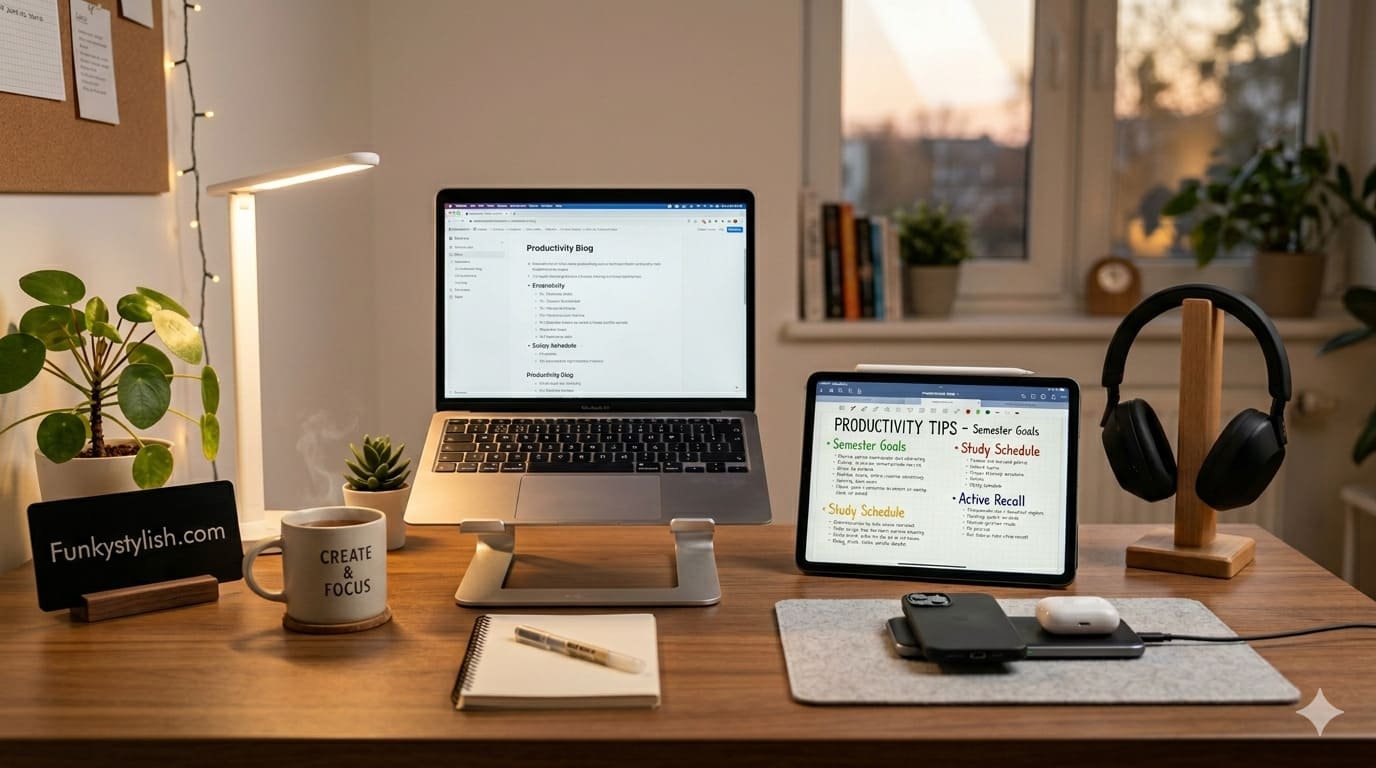
Digital Tablets & E-Notebooks — Best for Note-Taking
What it does: Tablets and e-ink notebooks allow students to write, draw, annotate, and organize notes digitally using a stylus.
Why students need it: Research consistently shows that handwriting improves memory retention compared to typing. Digital note-taking tools combine this cognitive benefit with the organizational advantages of digital storage — search, tagging, cloud sync, and cross-device access.
- Why it works: Handwriting engages deeper cognitive processing than keyboard input
- Best use cases: Multi-subject note organization, diagram sketching, PDF annotation
- Pro tip: Choose stylus-based devices (e.g., iPad with Apple Pencil, reMarkable) for the most natural writing experience
▶ Ideal for: Students managing multiple subjects with large volumes of content.
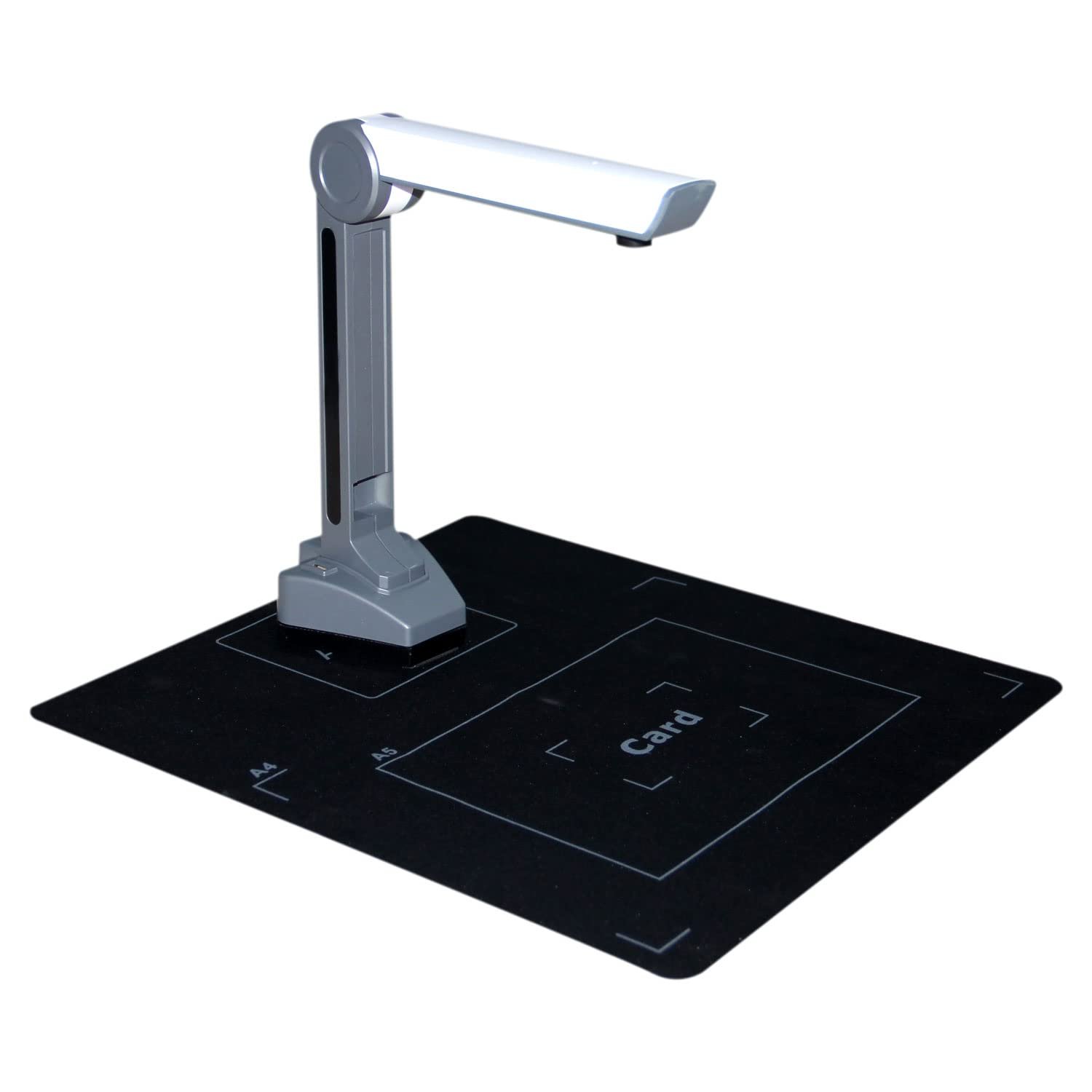
Portable Scanners — Best for Document Management
What it does: Portable scanners convert physical documents — handwritten notes, textbook pages, printed assignments — into high-quality digital files instantly.
Why students need it: Rewriting or photocopying documents wastes time. Portable scanners with OCR (Optical Character Recognition) convert images into searchable, editable text, making it faster to digitize, share, and archive study materials.
- Why it works: Eliminates manual rewriting and reduces document management friction
- Best use cases: Assignment submission, sharing notes with classmates, archiving printed materials
- Pro tip: Use scanner apps with auto-shadow removal and perspective correction for cleaner output
▶ Ideal for: Students who frequently collaborate, share notes, or handle printed materials.
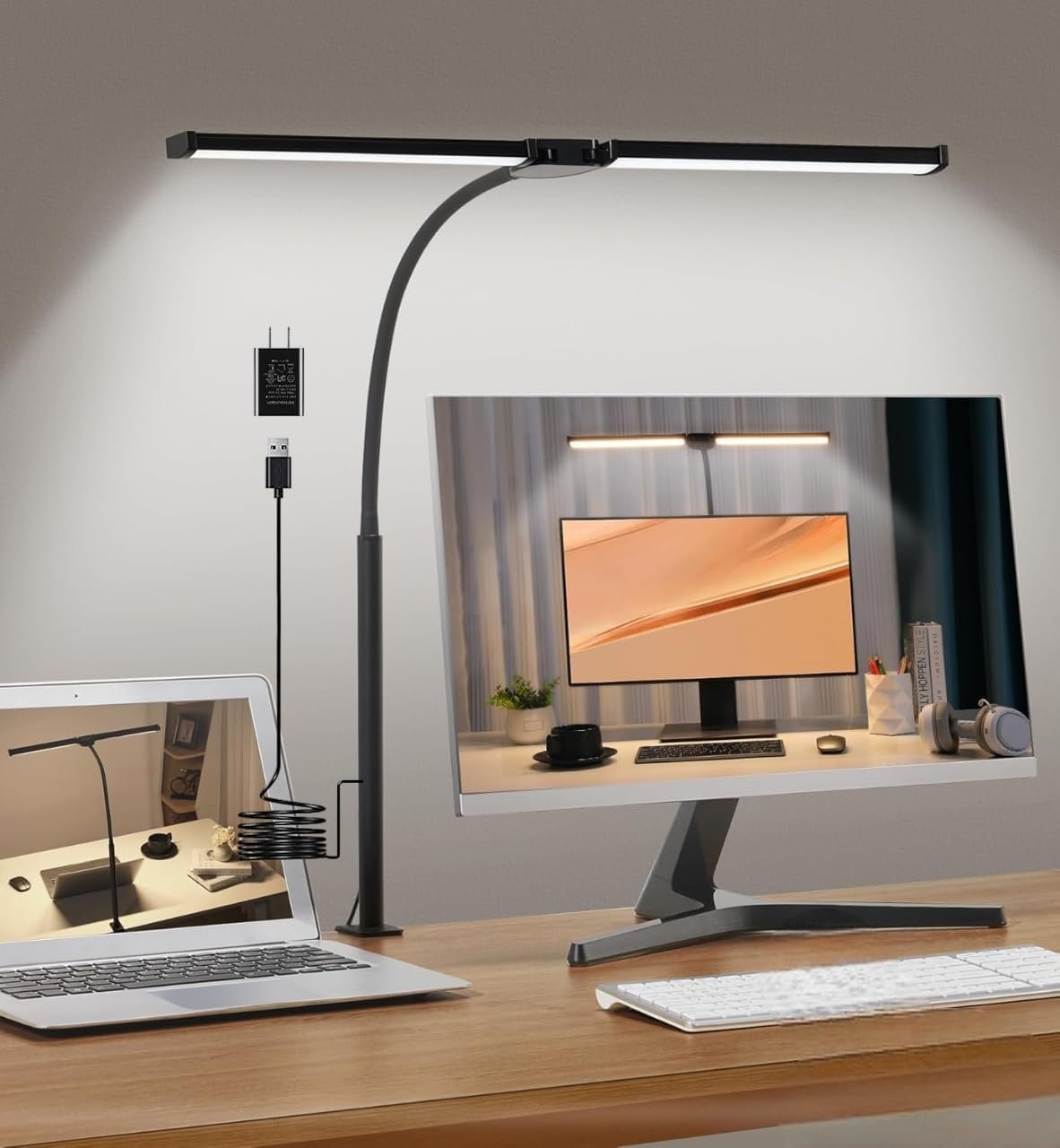
Adjustable Desk Lamps with Eye Protection — Best for Night Study
What it does: These lamps offer tunable brightness and color temperature (warm to cool white), with flicker-free technology to minimize eye strain.
Why students need it: Poor or inconsistent lighting causes eye fatigue, headaches, and reduced reading speed — all of which cut study sessions short. A good desk lamp creates an optimal reading environment and reduces physical discomfort during extended study.
- Why it works: Proper lighting reduces eye strain and supports longer, more comfortable study sessions
- Best use cases: Evening study, reading-heavy subjects, detailed written work
- Pro tip: Use cool white (5000–6500K) for alertness; switch to warm light (2700–3000K) for relaxed reading
▶ Ideal for: Students who study late at night or for extended periods.
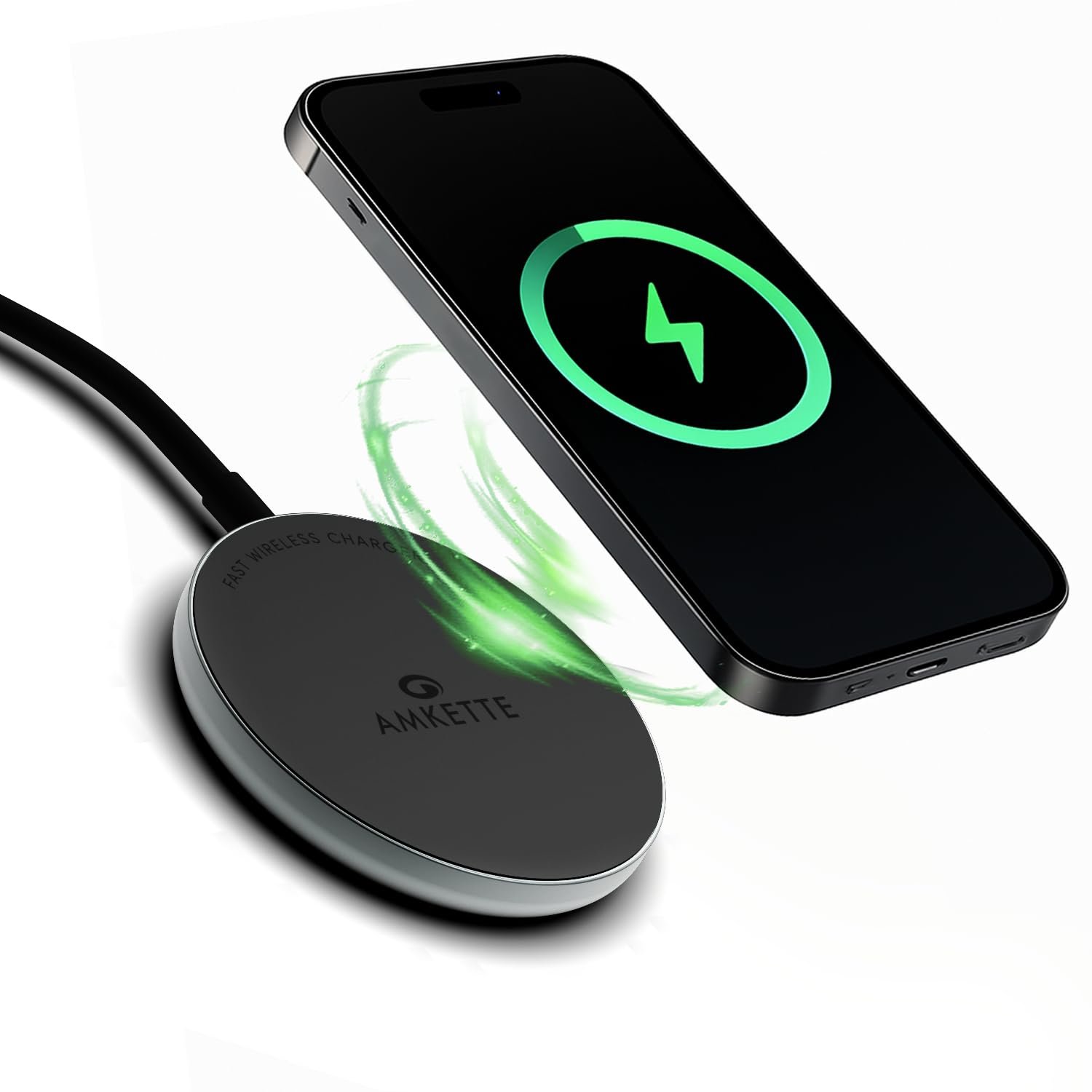
Wireless Chargers — Best for Workflow Continuity
What it does: Wireless charging pads or stands power devices without cables, using Qi-standard electromagnetic induction.
Why students need it: Managing cables across multiple devices — phone, tablet, earbuds, smartwatch — creates desk clutter and repeated interruptions. Wireless chargers reduce friction and keep the workspace organized so students can stay focused.
- Why it works: Fewer physical interruptions mean more consistent study flow
- Best use cases: Multi-device charging stations for all your study tech
- Pro tip: Verify Qi compatibility and fast-charging support before purchasing
▶ Ideal for: Students with multiple devices who want a clean, efficient workspace.
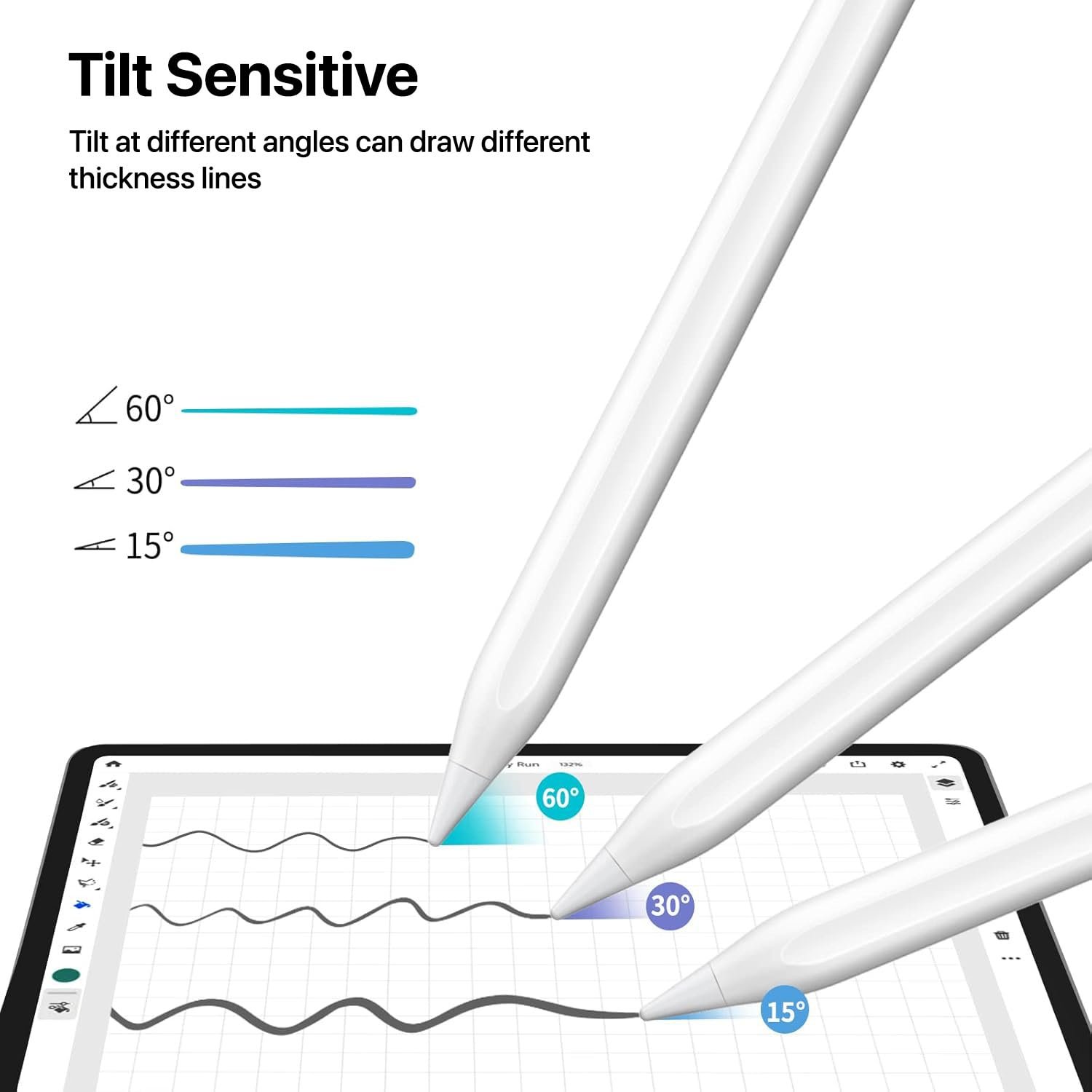
Smart Pens — Best for Lecture Notes
What it does: Smart pens digitize handwritten notes in real time and, in advanced models, sync audio recordings to specific written lines.
Why students need it: During fast-paced lectures, students often miss information while writing. Smart pens solve this by recording audio and linking it to the corresponding handwritten notes — so students can tap any line and replay exactly what was said at that moment.
- Why it works: Combines the memory benefits of handwriting with the recall advantages of audio
- Best use cases: University lectures, seminars, revision sessions
- Pro tip: Pair with compatible smart notebooks for maximum functionality
▶ Ideal for: Lectures where speed, accuracy, and later review are essential.
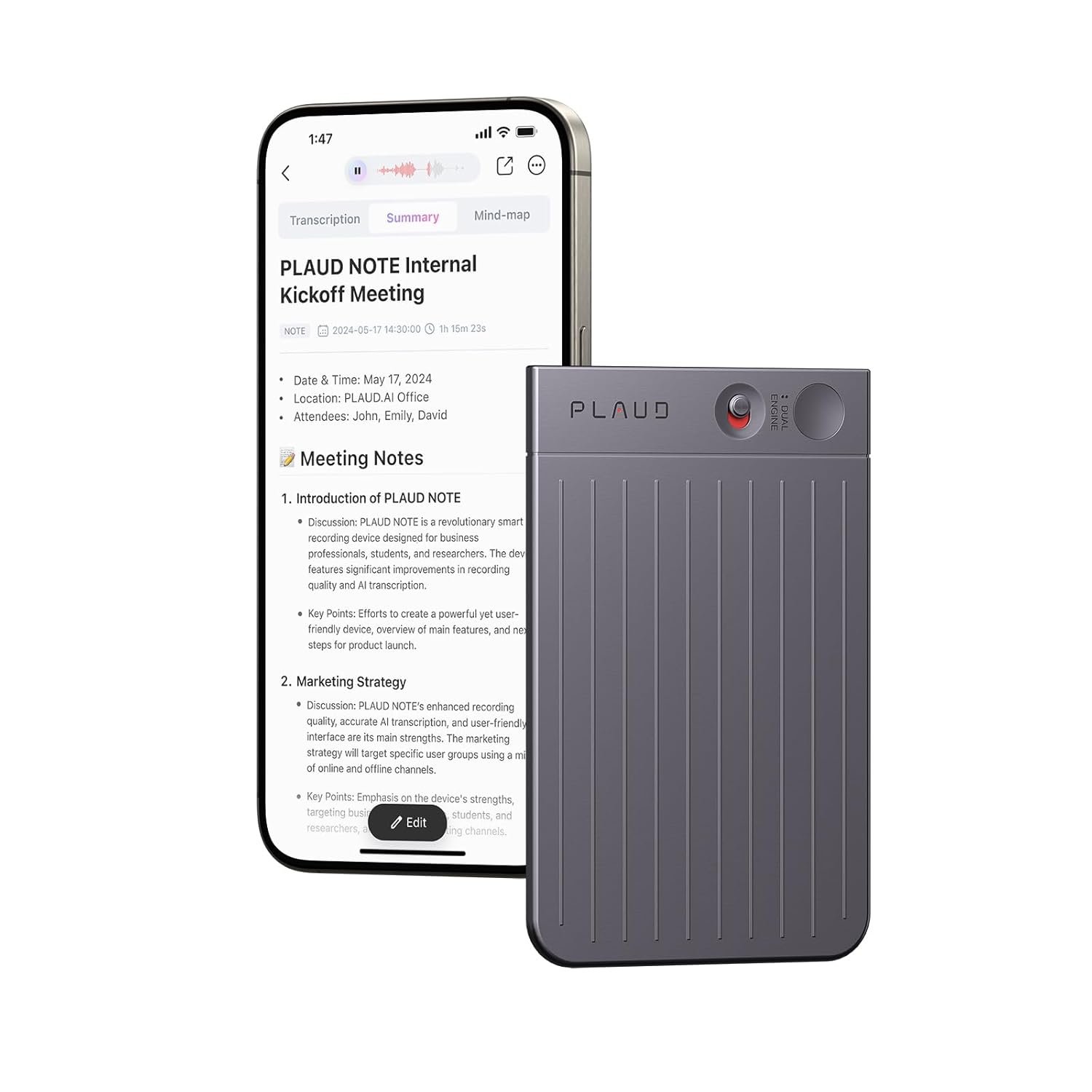
Digital Voice Recorders — Best for Auditory Learners
What it does: Standalone digital voice recorders capture high-fidelity audio in classroom and lecture environments.
Why students need it: Note-taking alone often misses critical information in complex or fast-moving lectures. Voice recorders allow students to revisit content as many times as needed, supporting reinforcement and deeper understanding at their own pace.
- Why it works: Repeated listening reinforces memory pathways and deepens understanding
- Best use cases: Bookmark key moments for targeted revision; ideal for complex technical subjects
- Pro tip: Choose models with built-in noise reduction for clear classroom recordings
▶ Ideal for: Auditory learners and subjects with high information density.
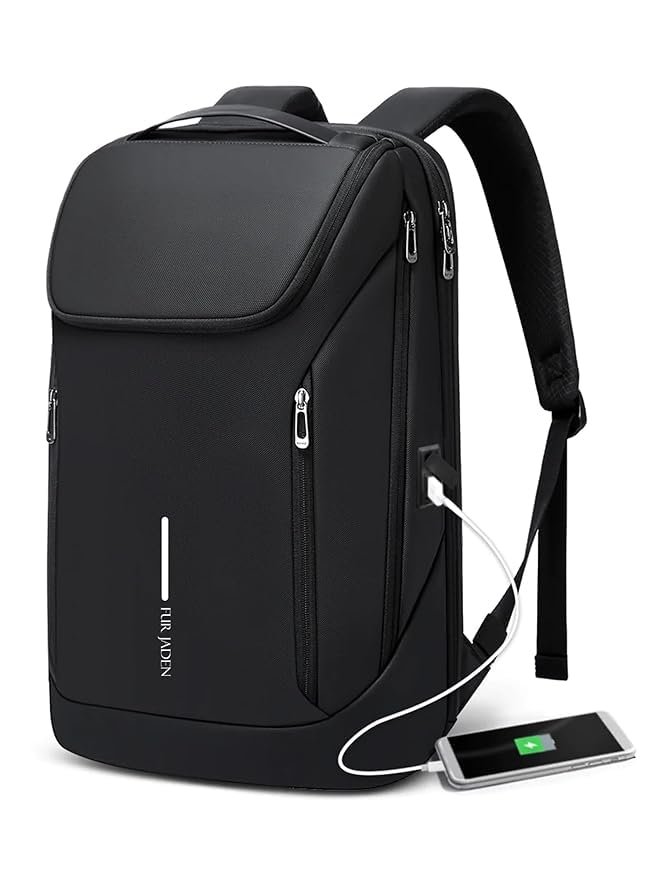
Smart Backpacks with Charging Ports — Best for Campus Life
What it does: Smart backpacks include built-in USB charging ports (powered by a connected power bank), anti-theft locks, RFID-blocking pockets, and organized compartments for tech gear.
Why students need it: Students carrying laptops, tablets, chargers, and books need both organization and power access throughout the day. Smart backpacks solve the dead battery problem during long campus days and protect valuable devices with security features.
- Why it works: Keeps devices powered and organized without extra effort
- Best use cases: Long commutes, full campus days, travel between classes
- Pro tip: Always pair with a high-capacity power bank (20,000 mAh+) to maximize charging functionality
▶ Ideal for: Commuter students and those with long, tech-heavy campus schedules.
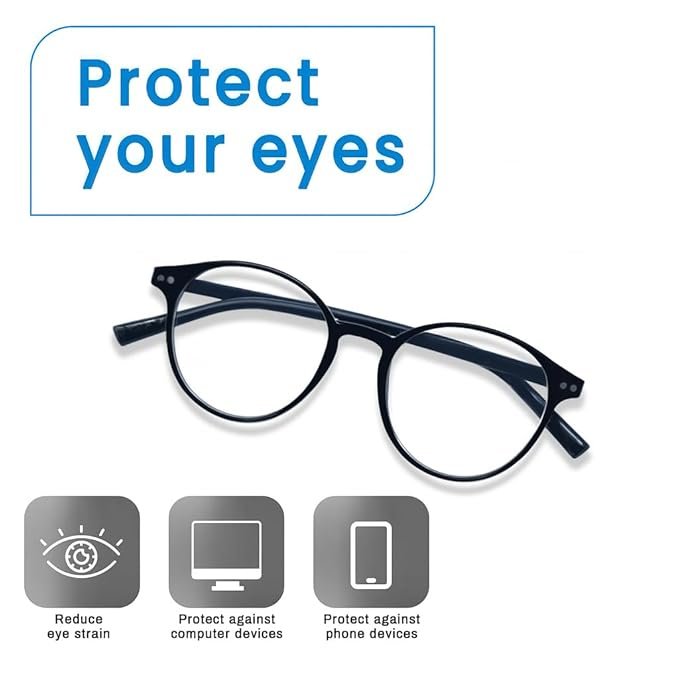
Blue Light Filtering Glasses — Best for Screen-Heavy Study
What it does: Blue light glasses have lenses coated to filter high-energy visible (HEV) blue light emitted by screens.
Why students need it: Prolonged screen exposure — especially in the evening — suppresses melatonin production, disrupting sleep cycles. Blue light glasses reduce eye strain, improve comfort during long study sessions, and help protect natural sleep patterns.
- Why it works: Filters disruptive light wavelengths that cause eye fatigue and interfere with sleep
- Best use cases: Evening screen use, long study sessions, post-sunset laptop work
- Pro tip: Combine with your device’s built-in night mode for maximum protection
▶ Ideal for: Students who study late or spend 4+ hours daily on screens.
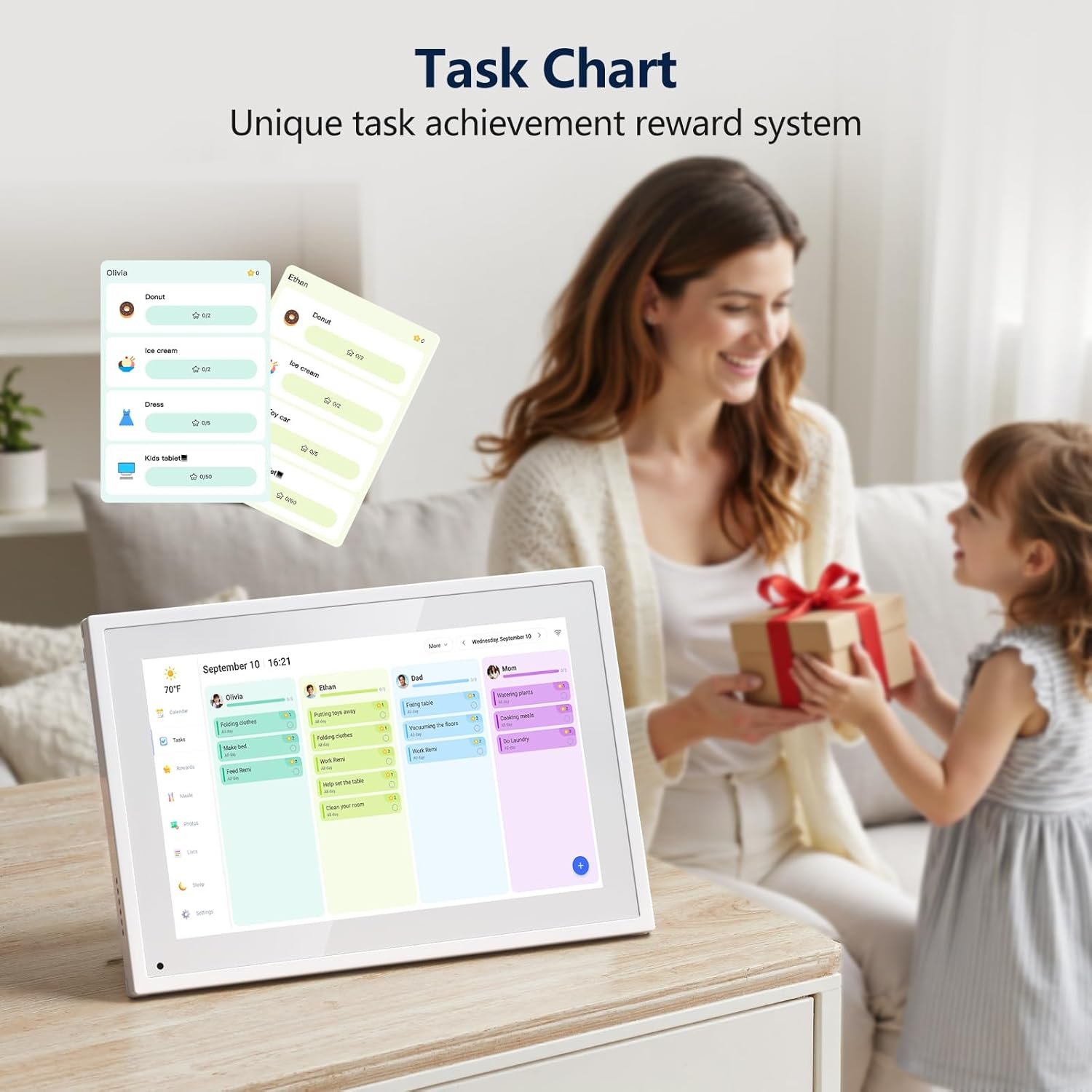
Smart Planners & Digital Calendar Displays — Best for Time Management
What it does: Smart planners — digital or AI-assisted — help students schedule tasks, set reminders, block time, and track academic goals across devices.
Why students need it: Academic life involves managing multiple subjects, deadlines, projects, and commitments simultaneously. Without structured planning, students experience overwhelm and reactive studying. Smart planners introduce structure, reduce decision fatigue, and build consistent study habits.
- Why it works: Time-blocking and goal tracking reduce stress and improve deadline adherence
- Best use cases: Semester planning, exam preparation schedules, daily task management
- Pro tip: Sync across all devices for real-time updates and set recurring reminders for study sessions
▶ Ideal for: Students who want to stay organized, meet deadlines consistently, and reduce last-minute panic.
How to Choose the Right Study Gadgets
Not every gadget suits every student. Use this framework to decide:
Step 1 — Identify Your Learning Style
- Visual learner → Smart projectors, digital tablets
- Auditory learner → Digital voice recorders, smart pens with audio sync
- Kinesthetic learner → Smart pens, e-notebooks with stylus
Step 2 — Evaluate ROI Before Buying
Ask yourself:
- Does this solve a real problem I face when studying?
- Will it improve my productivity consistently — not just occasionally?
- Is the cost justified by the learning benefit?
Step 3 — Avoid Gadget Overload
More tools don’t always mean better results. Start with 2–3 core gadgets that address your biggest learning challenges. Master those before adding more.
Study Gadgets That Make a Real Difference
| Gadget | Best For | Primary Benefit |
| Smart Projector | Visual learners | Concept visualization |
| Noise-Cancelling Headphones | Focus & deep work | Distraction elimination |
| Digital Tablet & E-Notebook | Note management | Organization + retention |
| Portable Scanner | Document handling | Time saving |
| Adjustable Desk Lamp | Eye health | Comfortable long sessions |
| Wireless Charger | Workflow continuity | Uninterrupted power |
| Smart Pen | Lecture notes | Audio-linked handwriting |
| Digital Voice Recorder | Auditory learners | Lecture replay |
| Smart Backpack | Campus life | Mobility + power |
| Blue Light Glasses | Screen-heavy study | Eye + sleep protection |
| Smart Planner | Time management | Deadline adherence |
Frequently Asked Questions About Study Gadgets
The most universally useful study gadgets for college students are noise-cancelling headphones, a digital tablet with stylus, and a smart planner. These three tools address the core challenges of focus, note-taking, and time management.
Study gadgets don’t directly improve grades, but they improve the conditions for learning — better focus, organization, and retention. When used consistently and intentionally, they can meaningfully support academic performance.
Smart pens are the best gadget for lecture note-taking because they digitize handwritten notes and sync audio, allowing students to replay exactly what was said at any point during the lecture.
Yes, especially for students who study after sunset or spend more than 4 hours daily on screens. Blue light glasses help reduce eye fatigue and protect sleep quality — both critical for effective studying.
An adjustable desk lamp with eye protection is one of the most affordable and high-impact study gadgets. Good lighting directly affects reading comfort, eye health, and the ability to sustain long study sessions.
Bottom Line
| Study gadgets are not accessories — they are learning infrastructure. The right tools, chosen based on your learning style and real academic needs, can transform how you focus, retain information, and perform. Start with two or three that solve your biggest challenges, use them consistently, and build from there. |

 By
By